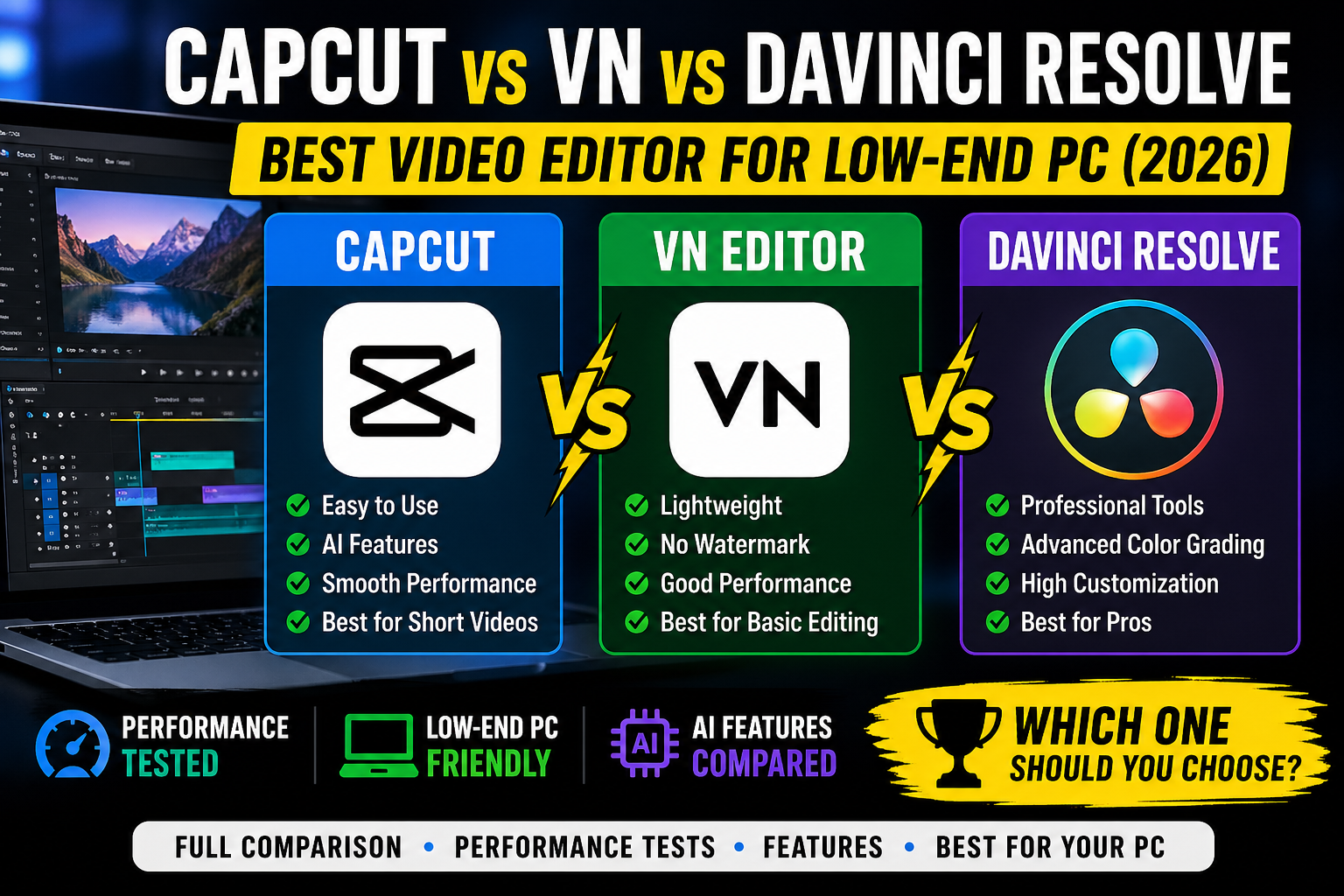
CapCut vs VN vs DaVinci Resolve (2026) — Which One Should You Use?
A simple, honest comparison for beginners and everyday creators
So you want to make cool videos? Awesome! But which app should you use? There are three big names everyone is talking about in 2026 — CapCut, VN Video Editor, and DaVinci Resolve. They are all free to download, but they are very different from each other. Some are super easy, some are really powerful.
Let’s break it all down so you can pick the right one for you!
Meet the Three Apps
Before we compare them, let’s get to know each one a little bit.
🎬 CapCut
Made by: ByteDance (same company as TikTok) Works on: iPhone, Android, Windows, Mac
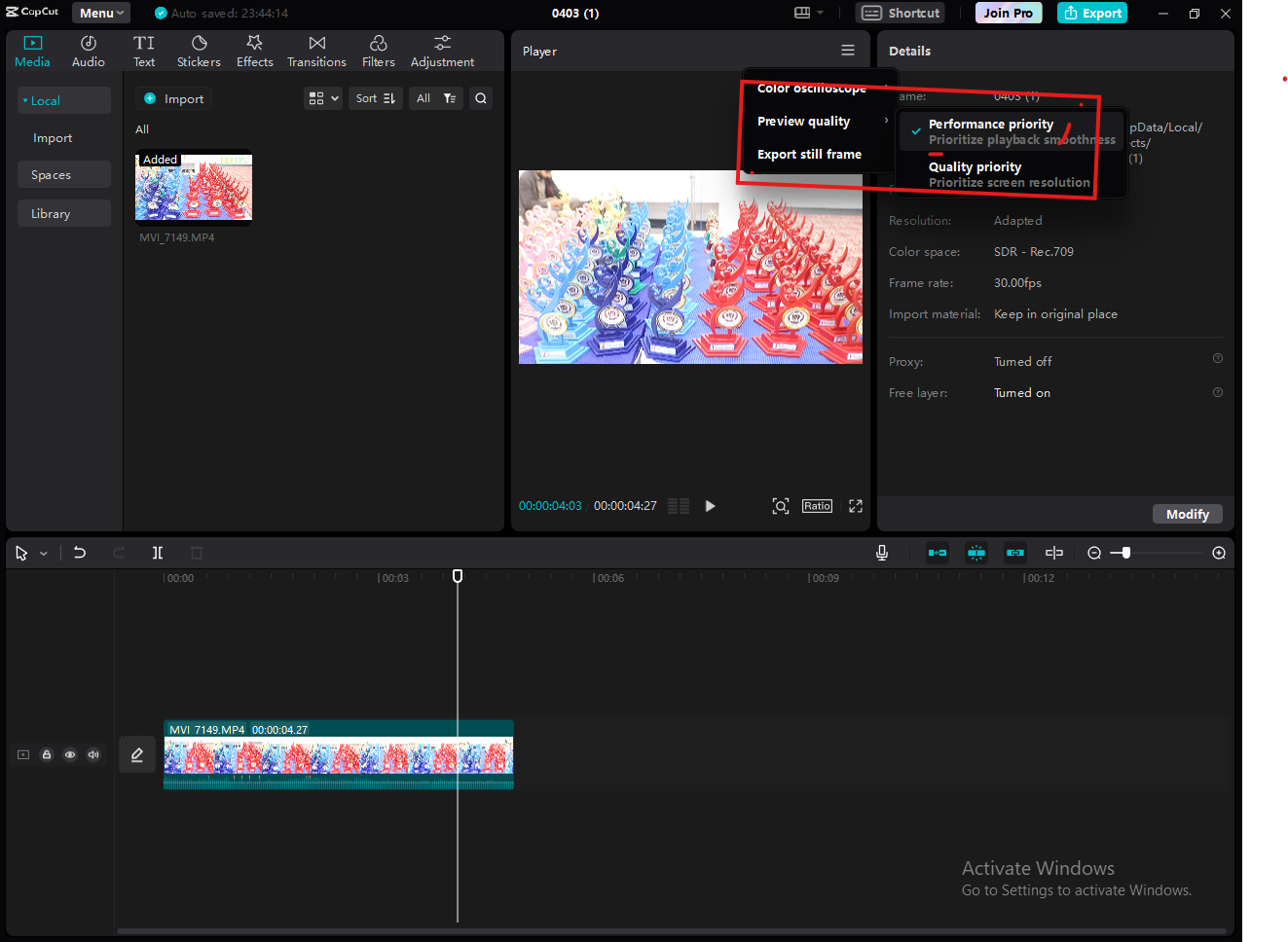
CapCut is like the cool kid at school — everyone knows it and everyone uses it. It was built for making short, fun videos for TikTok, Instagram Reels, and YouTube Shorts. It has tons of ready-made templates, cool effects, trending music, and even AI tools that can do things like remove the background from your video with just one tap.
It is very easy to learn. Even if you have never edited a video in your life, you can make something that looks really good in just a few minutes. That is the magic of CapCut!
🎞 VN Video Editor
Made by: Ubiquiti Labs Works on: iPhone, Android, Windows, Mac
VN is like the quiet, reliable friend who always gets the job done. It does not have as many flashy effects as CapCut, but it has something really important — it is 100% free with no watermark. That means you can make videos and share them without a logo stuck on them, and you do not have to pay anything!

VN also has a proper timeline — just like the big professional apps. So if you want to get a little more serious with your editing, VN is a great place to start before moving to harder software.
🎥 DaVinci Resolve
Made by: Blackmagic Design Works on: Windows, Mac, Linux
DaVinci Resolve is the big boss. This is the same software that professionals in Hollywood use to edit real movies and TV shows! It is incredibly powerful — it can do things the other two apps can only dream of. Color correction, visual effects, audio mixing — it has everything.
But here is the thing — it is also the hardest to learn. When you first open it, it can feel like sitting in the cockpit of an airplane with a thousand buttons. It is not made for quick TikTok videos. It is made for serious, long-form projects. If you are thinking about becoming a real filmmaker or video editor one day, DaVinci Resolve is where you want to end up.
Quick Comparison Table
| Feature | CapCut | VN Editor | DaVinci Resolve |
|---|---|---|---|
| Price | Partly free | 100% free | Free + paid Studio version |
| Watermark | Yes (free plan) | Never | Never |
| Works on phone | Yes, great! | Yes, great! | No |
| Difficulty | Very easy | Easy–Medium | Very hard |
| AI features | Lots in 2026 | A few | Growing fast |
| Best for | Short social clips | All-rounder | Pro projects |
| Templates | Hundreds | Some | Very few |
| Color grading | Basic | Basic | Best in the world |
| Needs a fast PC | No | No | Yes, definitely |
Let’s Compare Them Properly
Ease of Use
CapCut wins here easily. You just pick a template, drop in your video, and done. Everything is designed to be tap-and-go. It is perfect if you are new to editing and just want quick results.
VN is in the middle. It is not as beginner-friendly as CapCut, but it is much easier than DaVinci. It has a clean layout and does not throw too many buttons at you.
DaVinci Resolve is the hardest by far. It has so many features that it can be really overwhelming at first. Most beginners quit before they even finish their first project. You need patience — and a lot of YouTube tutorials!
Features and Tools
DaVinci Resolve wins here — and it is not even close. It has every tool a professional could ever need. The color grading tools alone are used in blockbuster movies. It also has a full sound mixing section and a special effects panel called Fusion.
CapCut is catching up fast in 2026 thanks to its AI tools. You can remove backgrounds, auto-caption your videos, generate music, and even clone your voice with AI. That is pretty wild for a free app!
VN has the basics covered — cutting clips, adding music, transitions, text, and some filters. It does not have fancy AI stuff, but it does everything a casual creator needs.
AI Features in 2026
This is where things have changed a lot this year. AI tools are now a huge part of video editing.
CapCut has really pushed hard on AI in 2026. Some of the cool things it can do now:
- Auto-remove backgrounds from videos
- Generate captions automatically
- Create AI music from a prompt
- Turn your script into a video using AI avatars
- Smart reframe — it follows the subject automatically when you change the video size
VN has added a few AI features too, like auto-captions and some smart editing suggestions, but it is nowhere near as advanced as CapCut.
DaVinci Resolve has also added AI tools through its “Magic Mask” and noise reduction features. Its AI is more focused on professional use — like automatically tracking objects in a scene or cleaning up audio.
Price — What Is Actually Free?
This is really important, so let’s be honest about it.
CapCut is free to download but pushes you to buy a subscription called CapCut Pro. The free version puts a watermark on your videos, and some templates and AI features are locked behind the paywall. In 2026, the Pro plan costs around $9.99/month.
VN Video Editor is completely, 100% free. No watermark. No subscription. No hidden costs. Everything is available to everyone. This is one of the biggest reasons people love it.
DaVinci Resolve has a very generous free version that gives you almost everything. The paid version, called DaVinci Resolve Studio, costs a one-time payment of around $295 — but honestly, most people will never need to buy it. The free version is already more powerful than most paid apps out there.
Who Is It For?
CapCut is for: TikTokers, Instagram creators, YouTube Shorts makers, beginners who want fast results, and anyone who loves trendy effects.
VN is for: Anyone who wants a completely free experience, YouTubers making regular vlogs, students doing school projects, and people who want to learn proper editing without spending money.
DaVinci Resolve is for: Aspiring filmmakers, people who want to go pro, creators working on long videos or documentaries, and anyone who is serious about learning the craft of editing.
Pros and Cons
CapCut
Good stuff:
- Super easy to use, even for total beginners
- Tons of templates and trending effects
- Amazing AI tools in 2026
- Works great on your phone
- Huge community with lots of tutorials
Not so good:
- Free version has a watermark
- The best features cost money
- Some people worry about data privacy (it is a Chinese company)
- Not great for long or serious videos
VN Video Editor
Good stuff:
- Completely free — no catches, no watermark
- Works on both phone and computer
- Clean and simple to use
- Has a proper timeline for more serious editing
- No pressure to buy anything
Not so good:
- Fewer templates and effects than CapCut
- AI features are limited
- Smaller community, fewer tutorials
- Basic color tools
DaVinci Resolve
Good stuff:
- The most powerful video editor in the world (free!)
- Used by real Hollywood professionals
- Best color grading tools anywhere
- No watermark, ever
- Constantly getting better updates
Not so good:
- Very steep learning curve — takes months to get comfortable
- Needs a powerful computer to run smoothly
- No phone app at all
- Way too much for short social media clips
- Can feel overwhelming and frustrating for beginners
So… Which One Should YOU Use?
Here is the simple answer:
Use CapCut if you are brand new to video editing and just want to make fun clips for social media. You will see results really fast. Just know that the free version puts a small logo on your videos.
Use VN if you want something completely free with no watermark, and you want to learn real editing skills at the same time. It is honest, simple, and very capable. Great for YouTube vlogs, school projects, or travel videos.
Use DaVinci Resolve if you are serious about making videos your hobby — or maybe even your job one day. Yes, it is hard. But once you learn it, you can do things most editors cannot. There are tons of free tutorials on YouTube to help you get started.
The Final Verdict
In 2026, all three apps are better than ever. CapCut keeps adding wild AI features. VN stays clean and honest with zero cost. And DaVinci Resolve keeps being the king of professional editing — for free.
You do not have to pick just one forever. Many creators actually use CapCut on their phone for quick posts, and DaVinci on their computer for bigger projects. Start with what feels right, and keep learning.
The best video editor is always the one you actually sit down and use. So pick one, make something, and have fun!
| Need | Best Editor |
|---|---|
| Fast editing | CapCut |
| Ultra low-end PC | VN Editor |
| Professional control | DaVinci Resolve |
FAQ
Which video editor is best for low-end PCs?
CapCut and VN are the best choices due to low system requirements and smooth performance.
Does DaVinci Resolve work on low-end PCs?
It can, but performance will be limited without optimization.
Is VN better than CapCut?
VN is lighter, but CapCut offers more features and AI tools.
Can AI reduce video editing lag?
Yes. AI reduces timeline size and manual workload, improving performance.
Happy editing! 🎬
Last updated: 2026 | Written for beginners and everyday creators
Ping Back: