Best Video Editor for Low-End PC (2026): CapCut vs VN vs DaVinci Resolve Compared
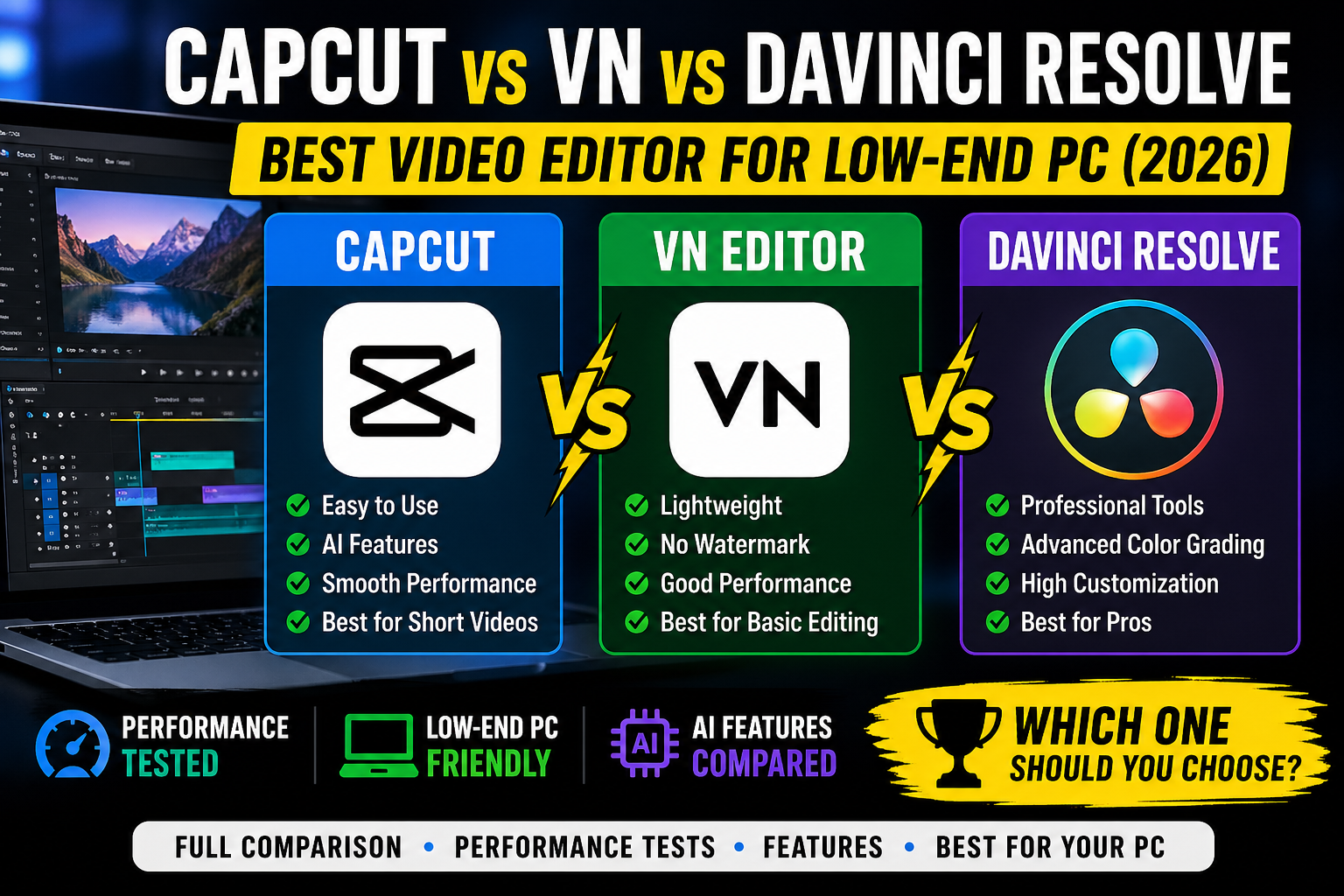
CapCut vs VN vs DaVinci Resolve (2026) — Which One Should You Use? A simple, honest comparison for beginners and everyday creators So you want to make cool videos? Awesome! But which app should you use? There are three big names everyone is talking about in 2026 — CapCut, VN Video Editor, and DaVinci Resolve. … Read more

AI Video Editing for Low-End PCs (2026 Guide)

AI Video Editing for Low-End PCs (2026 Guide)

AI Video Editing for Low-End PCs (2026 Guide) You Don’t Need a Better PC — You Need a Smarter Workflow Your timeline stutters. Your export has been running for 45 minutes. You alt-tab away, come back, and DaVinci Resolve has crashed — again. You close the laptop and think: maybe I just need a better … Read more

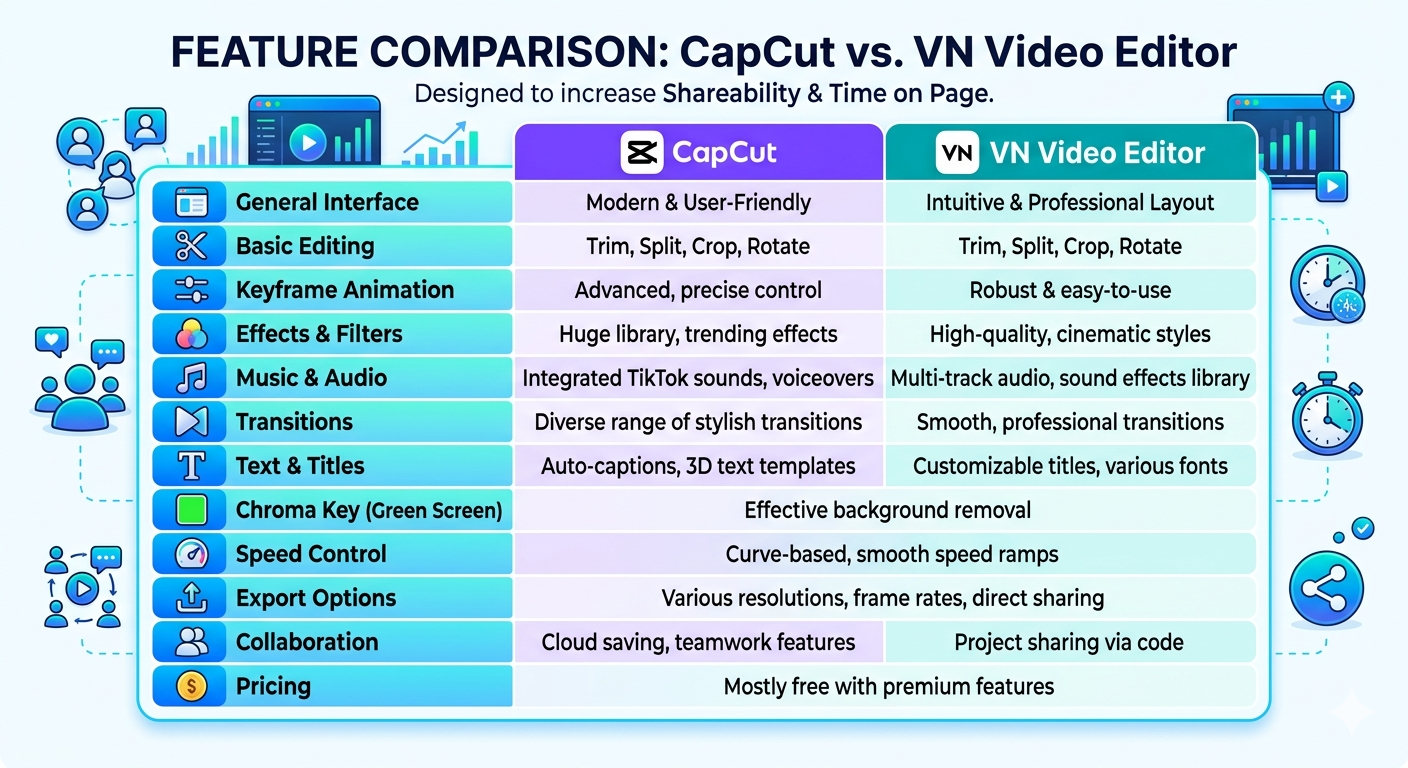
CapCut vs VN Video Editor (2026 Complete Guide) Which One is best?

“CapCut vs VN interface comparison screenshot”

CapCut vs VN Video Editor (2026 Complete Guide): Which One Should You Use? Choosing the right video editing app can feel confusing, especially when both options look powerful. CapCut and VN Video Editor are two of the most popular tools today, and each one solves a different problem for creators. This guide explains everything in … Read more

What Is Mobile Video Editing? Best Apps for Editing Videos on Your Phone (2026 Guide)

“mobile video editing apps on smartphone using CapCut and VN editor”

⚡ What Mobile Video Editing Means Mobile video editing is the process of editing videos on a smartphone using apps like CapCut, VN Video Editor, and InShot. It allows users to cut clips, add effects, captions, and export high-quality videos without a computer. But here’s the reality most people ignore: just because it’s easy doesn’t … Read more

How to Edit TikToks on Low-End PC Without Lag (2026 begnnier Guide)

How to Edit TikToks on Low-End PC Without Lag (2026 begnnier Guide)

Does this sound familiar? You have a great idea for a TikTok or YouTube Short. You filmed the video on your phone. It looks great. But the moment you drag that video into your computer to edit, everything stops. The video freezes. The audio keeps playing, but the screen is stuck. When you try to … Read more

Best Export Settings for Low-End PC (Fast Rendering Guide 2026)

Best Export Settings for Low-End PC (Fast Rendering Guide 2026)

Best Export Settings for Low-End PC (No Lag + Fast Rendering Guide 2026) Rendering a video on a low-end PC can feel like the hardest part of editing. You finish your project, click export… and then your system slows down, fans get loud, and sometimes it even crashes. If you’re using a laptop with integrated … Read more

How to Fix CapCut Lag on 4GB RAM: 5 Secret Settings

Introduction If you are using CapCut Desktop on a 4GB RAM PC, you already know the struggle. The screen freezes. Playback stutters. Sometimes it even shows “Not Responding.” I faced the same problem when I started editing on my old laptop. Even adding a second clip made everything slow. But after trying many settings, I … Read more

CapCut vs Filmora for Low-End PC (2026 Comparison-which is best?)

CapCut vs Filmora for Low-End PC

  CapCut vs Filmora for Low-End PC (2026 Comparison – Which One Is Better?) Choosing between CapCut and Filmora on a low-end PC can be confusing. Both are popular, beginner-friendly video editors — but they perform very differently on systems with 2GB or 4GB RAM. In this guide, you’ll get a real comparison, including performance … Read more

How to Fix Video Editing lag low end pc (2026 Beginner Guide)

fix video editing lag low end pc step by step guide

Best Video Editing Software for Low-End PC (2026 Beginner Guide) Can You Edit Videos on a Low-End PC? Yes—If You Choose the Right Software Most beginners make the same mistake: They install heavy software, experience constant lag, and assume their PC is the problem. It’s not. 👉 The real issue is using the wrong tools for … Read more

Top 10 Lightweight Video Editors for Slow Computers (4GB RAM Tested)

“CapCut video editor on low-end PC”

Top 10 Lightweight Video Editors for Slow Computers (Run Smoothly on 4GB RAM) The best lightweight video editors for slow computers include tools like CapCut, Shotcut, VSDC, and OpenShot, which run smoothly on low‑end PCs with minimal lag. Editing videos on a slow or low-end computer can be frustrating. Many modern video editors are built … Read more