Why CapCut Lags Even When Your CPU Usage Looks Fine
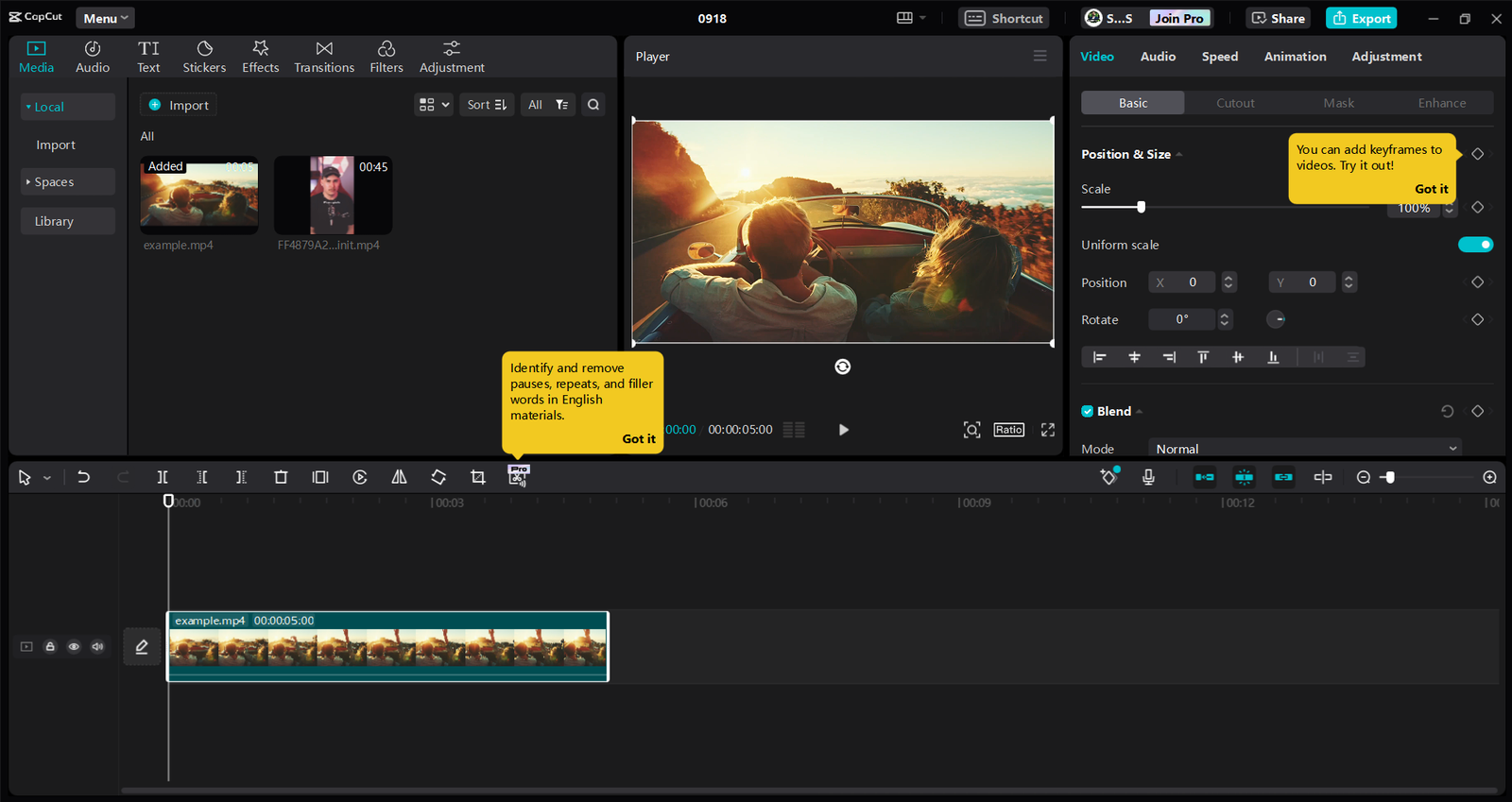
CapCut low-end PC CPU and RAM usage screenshot

Open Task Manager while CapCut is stuttering, and you’ll usually see something confusing: CPU usage sitting at 20-30%. Not maxed out. Not even close. So why is the timeline choppy? This is the question that trips up most low-end PC editors, and it’s worth answering properly, because “my CPU isn’t even working hard” leads people … Read more

Why Your Video Editor Keeps Crashing

Why Your Video Editor Keeps Crashing (11 Proven Fixes That Actually Work in 2026) Meta Title: Why Your Video Editor Keeps Crashing (11 Easy Fixes for 2026) Meta Description: Is your video editor crashing while editing or exporting? Learn the most common causes and 11 proven fixes for CapCut, DaVinci Resolve, Premiere Pro, and other … Read more

AI Video Editing for Low-End PCs (2026 Guide)

AI Video Editing for Low-End PCs (2026 Guide)

AI Video Editing for Low-End PCs (2026 Guide) You Don’t Need a Better PC — You Need a Smarter Workflow Your timeline stutters. Your export has been running for 45 minutes. You alt-tab away, come back, and DaVinci Resolve has crashed — again. You close the laptop and think: maybe I just need a better … Read more

8 Best FREE Video Editors for 2GB RAM PC in 2026 (Tested!)

Best FREE Video Editors for 2GB RAM PC

  Best Video Editors for 2GB RAM PC – Tested & Optimized for Low-End Systems (2026) Best FREE Video Editors for 2GB RAM PC can feel impossible, but it’s not. With the right software and workflow, even a very low-end system can handle short video projects, social media clips, or simple YouTube content. This guide … Read more

Fix Video Editing Lag on Low-End PC (2026 Guide for Beginners)

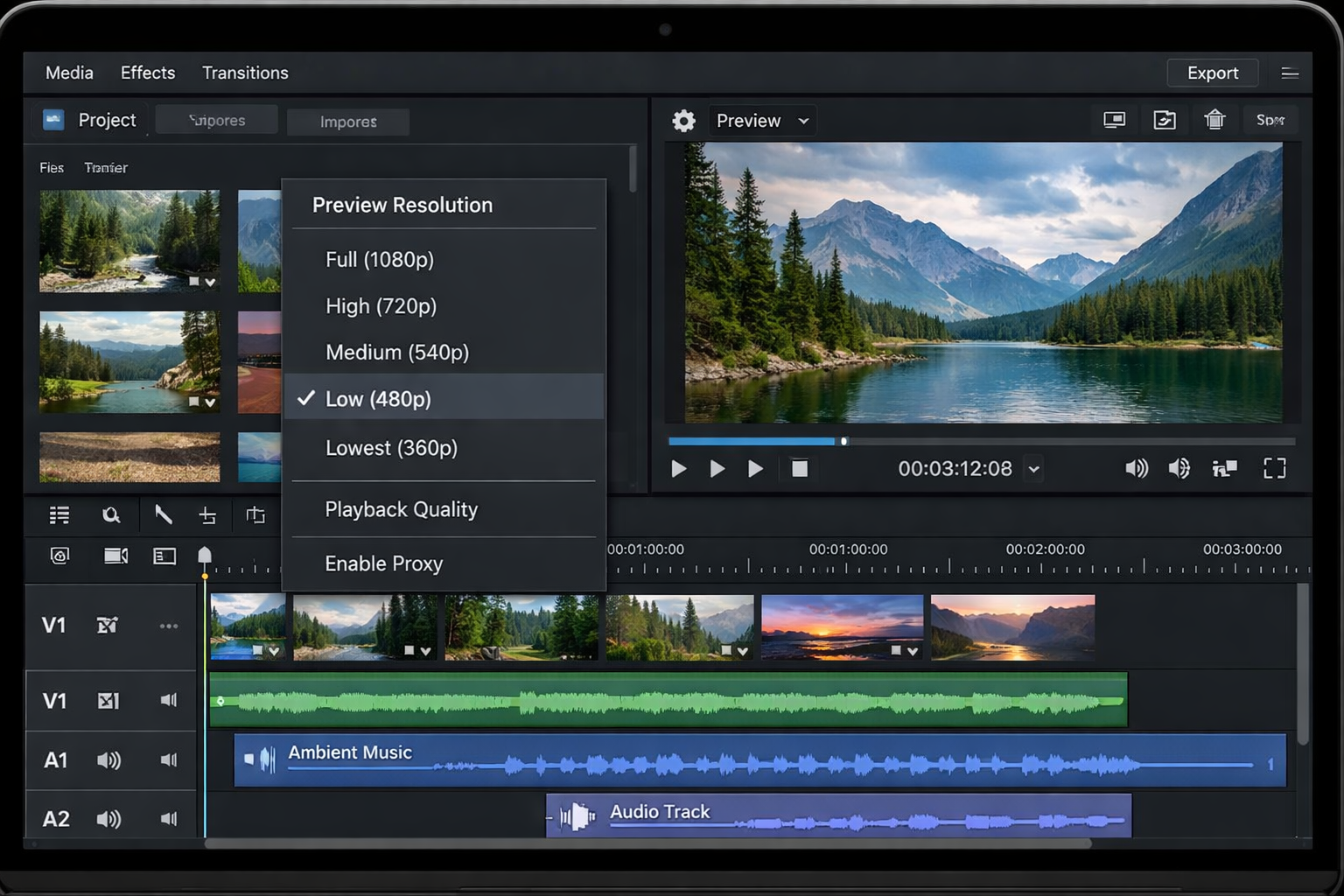
Preview resolution screenshot

📝 How I Fixed Video Editing Lag on My Low-End PC (4GB RAM) – Real Tested Guide 🔥 Introduction If your video editor is lagging, freezing, or crashing — your PC is not the only problem. I had the same issue on a 4GB RAM laptop (Intel i3, no GPU): Timeline freezing every few seconds Playback delay … Read more