Skip to content
TheEditFlows

TheEditFlows

  • Software Guides
  • Performance Fixes
  • Editing Tips
  • Comparisons
  • Mobile Video Editing
  • AI Tools
TheEditFlows
TheEditFlows
  • “mobile video editing apps on smartphone using CapCut and VN editor”
    home | Mobile Video Editing | Software Guides

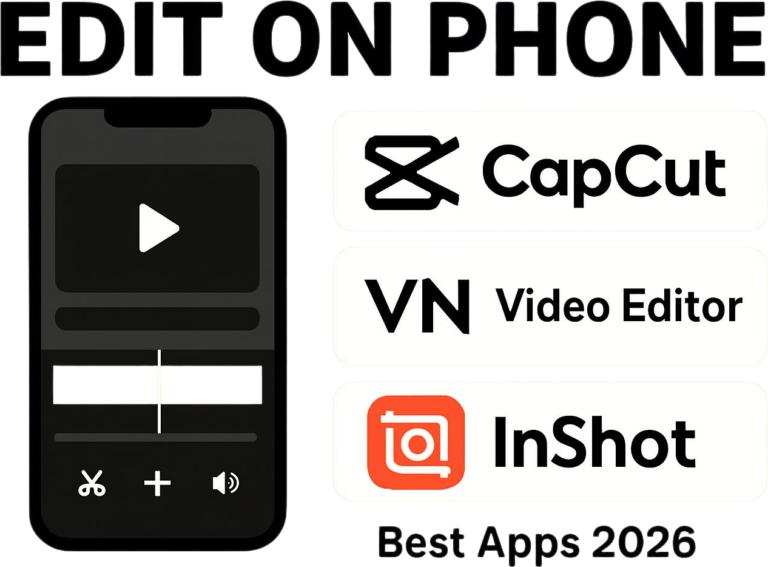
    What Is Mobile Video Editing? Best Apps for Editing Videos on Your Phone (2026 Guide)

    ByMuhammad Bilal Shakoor April 12, 2026April 17, 2026

    ⚡ What Mobile Video Editing Means Mobile video editing is the process of editing videos on a smartphone using apps like CapCut, VN Video Editor, and InShot. It allows users to cut clips, add effects, captions, and export high-quality videos without a computer. But here’s the reality most people ignore: just because it’s easy doesn’t…
    Read More What Is Mobile Video Editing? Best Apps for Editing Videos on Your Phone (2026 Guide)Continue

  • How to Edit TikToks on Low-End PC Without Lag (2026 begnnier Guide)
    Editing Tips | home | Mobile Video Editing | Software Guides

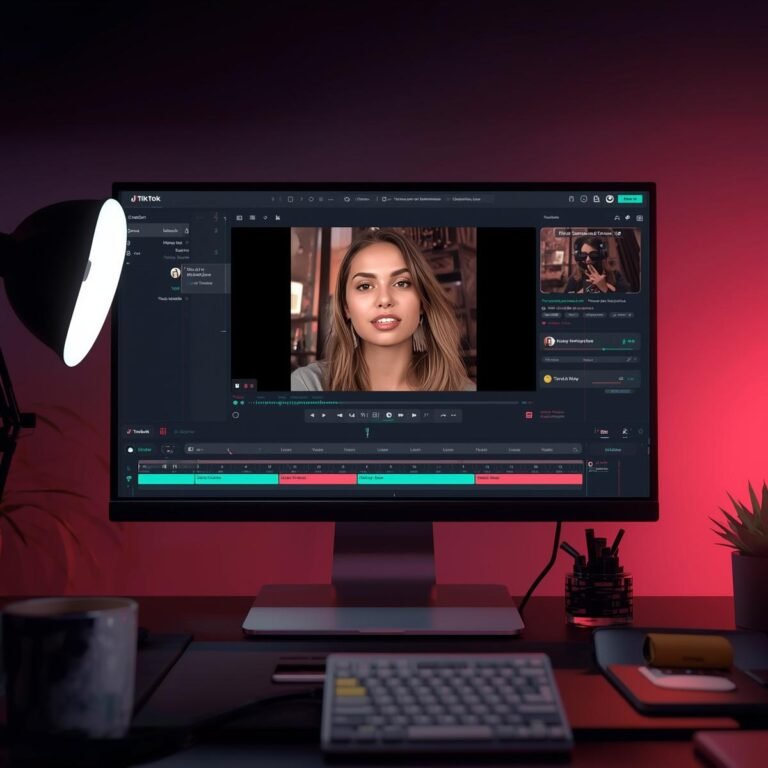
    How to Edit TikToks on Low-End PC Without Lag (2026 begnnier Guide)

    ByMuhammad Bilal Shakoor April 9, 2026April 11, 2026

    Does this sound familiar? You have a great idea for a TikTok or YouTube Short. You filmed the video on your phone. It looks great. But the moment you drag that video into your computer to edit, everything stops. The video freezes. The audio keeps playing, but the screen is stuck. When you try to…

    Read More How to Edit TikToks on Low-End PC Without Lag (2026 begnnier Guide)Continue

  • “best youtube video settings for low end pc”
    AI Tools

    Best Video Editing Settings for YouTube on Low-End PC (2026 Guide)

    ByMuhammad Bilal Shakoor April 7, 2026

    Best video editing settings for YouTube on low-end PC: Use 1080p resolution, 30 FPS, H.264 format, and 8–10 Mbps bitrate. Lower to 720p if your PC is slow for smoother performance. Uploading videos to YouTube from a low-end PC can feel confusing. You edit your video… export it… upload it… and suddenly the quality looks…

    Read More Best Video Editing Settings for YouTube on Low-End PC (2026 Guide)Continue

  • Best Export Settings for Low-End PC (Fast Rendering Guide 2026)
    Software Guides | Editing Tips | home | Performance Fixes

    Best Export Settings for Low-End PC (Fast Rendering Guide 2026)

    ByMuhammad Bilal Shakoor April 6, 2026

    Best Export Settings for Low-End PC (No Lag + Fast Rendering Guide 2026) Rendering a video on a low-end PC can feel like the hardest part of editing. You finish your project, click export… and then your system slows down, fans get loud, and sometimes it even crashes. If you’re using a laptop with integrated…

    Read More Best Export Settings for Low-End PC (Fast Rendering Guide 2026)Continue

  • video editing lag on low end pc how to prevent overheating during video editingcaused by common mistakes
    home | Editing Tips | Performance Fixes

    Top 10 Video Editing Mistakes That Cause Lag (Low-End PC Guide 2026)

    ByMuhammad Bilal Shakoor April 5, 2026

    Video editing lag on low-end PCs is caused by slow storage, high-resolution footage, too many effects, and poor optimization. Using proxies, SSD storage, and lower preview resolution can fix lag quickly. You’ve got the vision. You’ve got the footage. You’ve even got the perfect soundtrack picked out. You sit down at your desk, open your…

    Read More Top 10 Video Editing Mistakes That Cause Lag (Low-End PC Guide 2026)Continue

  • How to Fix CapCut Lag on 4GB RAM: 5 Secret Settings
    Editing Tips | home | Performance Fixes | Software Guides

    How to Fix CapCut Lag on 4GB RAM: 5 Secret Settings

    ByMuhammad Bilal Shakoor April 3, 2026April 5, 2026

    Introduction If you are using CapCut Desktop on a 4GB RAM PC, you already know the struggle. The screen freezes. Playback stutters. Sometimes it even shows “Not Responding.” I faced the same problem when I started editing on my old laptop. Even adding a second clip made everything slow. But after trying many settings, I…

    Read More How to Fix CapCut Lag on 4GB RAM: 5 Secret SettingsContinue

  • CapCut vs Filmora for Low-End PC
    Comparisons | home | Software Guides

    CapCut vs Filmora for Low-End PC (2026 Comparison-which is best?)

    ByMuhammad Bilal Shakoor April 2, 2026April 3, 2026

      CapCut vs Filmora for Low-End PC (2026 Comparison – Which One Is Better?) Choosing between CapCut and Filmora on a low-end PC can be confusing. Both are popular, beginner-friendly video editors — but they perform very differently on systems with 2GB or 4GB RAM. In this guide, you’ll get a real comparison, including performance…

    Read More CapCut vs Filmora for Low-End PC (2026 Comparison-which is best?)Continue

  • Best FREE Video Editors for 2GB RAM PC
    AI Tools | Editing Tips | home | Performance Fixes

    8 Best FREE Video Editors for 2GB RAM PC in 2026 (Tested!)

    ByMuhammad Bilal Shakoor April 1, 2026April 1, 2026

      Best Video Editors for 2GB RAM PC – Tested & Optimized for Low-End Systems (2026) Best FREE Video Editors for 2GB RAM PC can feel impossible, but it’s not. With the right software and workflow, even a very low-end system can handle short video projects, social media clips, or simple YouTube content. This guide…

    Read More 8 Best FREE Video Editors for 2GB RAM PC in 2026 (Tested!)Continue

  • Best Export Settings for Low-End PC Video Editing
    home | Editing Tips | Performance Fixes

    Best Export Settings for Low-End PCs (Faster Video Renders in 2026)

    ByMuhammad Bilal Shakoor March 27, 2026April 2, 2026

    Introduction Exporting a video should be the final, satisfying step of your video editing workflow. But if you are editing on a low‑end PC, export often becomes the most frustrating part of the process. Stuck at 99%, freezing, overheating, or crashing — I’ve faced all of this too when I first started editing on an…

    Read More Best Export Settings for Low-End PCs (Faster Video Renders in 2026)Continue

  • Complete Beginner Guide to Video Editing
    home | Editing Tips

    Complete Beginner Guide to Video Editing (Step-by-Step 2026)

    ByMuhammad Bilal Shakoor March 27, 2026April 1, 2026

    Learn video editing step by step with this beginner guide. Simple tips, best software, and easy methods for low-end PCs. Introduction Video editing used to feel difficult; expensive software, complex tools, and confusing timelines stopped many beginners from even trying. But today, things are different. Even if you have a low-end PC and zero experience,…

    Read More Complete Beginner Guide to Video Editing (Step-by-Step 2026)Continue

Page navigation

Previous PagePrevious 1 2 3 Next PageNext

© 2026 TheEditFlows - WordPress Theme by Kadence WP

  • Software Guides
  • Performance Fixes
  • Editing Tips
  • Comparisons
  • Mobile Video Editing
  • AI Tools