
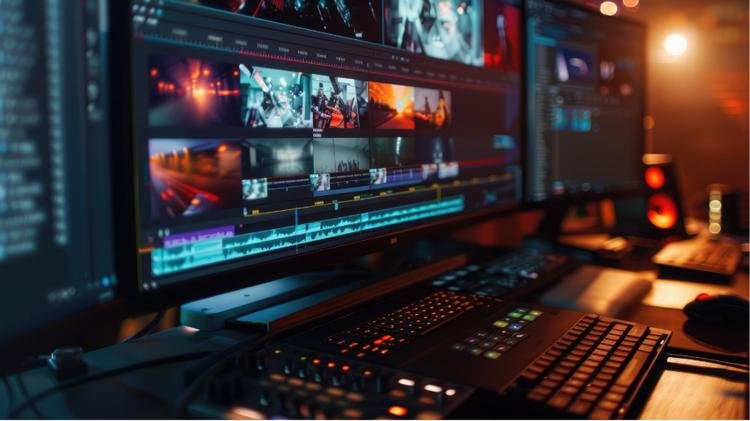
Adobe Premiere Pro Crack + Portable [Latest] Lifetime
Adobe Premiere Pro is a popular video editor used by content creators, YouTubers, freelancers, and filmmakers. But if you have a limited budget or an older computer, you may be searching for a free download, a portable version, or a way to edit videos without paying for expensive software.
You may also have seen websites offering an “Adobe Premiere Pro Crack Portable Latest Lifetime” download. Before installing one of these files, it is important to understand the risks, the official download options, and the alternatives available for your computer.
In this guide, you will learn how to download Premiere Pro safely, understand its free trial, avoid common installation problems, and choose a video editor that matches your budget and hardware.
What Is Adobe Premiere Pro?
Adobe Premiere Pro is a professional video-editing application for Windows and macOS. It helps users turn raw video footage into finished content for YouTube, social media, business projects, documentaries, and other productions.
The software offers a timeline-based editing workflow, audio controls, color correction, transitions, effects, titles, and tools for organizing footage.
Here are some common uses:
- Editing YouTube videos and tutorials.
- Creating TikTok, Instagram Reels, and YouTube Shorts.
- Cutting interviews and documentary footage.
- Adding subtitles, transitions, and visual effects.
- Adjusting colors and improving audio.
- Exporting videos for different platforms.
However, professional features do not automatically make an application the right choice for every computer. Your processor, RAM, graphics hardware, storage, and video resolution all affect editing performance.
Is Adobe Premiere Pro Crack Portable Safe to Download?
The short answer is no: an unofficial cracked installer cannot be considered safe or legitimate simply because a website describes it as portable, activated, or a lifetime version.
A modified installer may contain unwanted software, malware, or changes that prevent normal updates. It may also cause application crashes, project problems, and security issues. Adobe specifically warns about the risks associated with unlicensed applications.
The important distinction is that a portable application is designed to run with little or no conventional installation, while a cracked application has been modified to bypass licensing or other restrictions. These terms do not mean the same thing.
Before downloading any video editor, consider the following risks:
1. Malware and security threats
An installer from an unknown source may contain malicious code. Depending on what it does, this could put your files, accounts, or personal information at risk.
2. Unreliable updates
Modified software may fail to update correctly or may stop working after a system change.
3. Crashes and lost projects
If the application behaves unpredictably, you could lose editing time or damage project files.
4. Licensing and copyright concerns
Using or distributing unauthorized copies can violate software licensing terms and may create legal risks.
5. No dependable support
When an unofficial copy fails, you may not be able to get reliable technical support or reproduce the problem in a supported installation.
For these reasons, avoid installers advertised as pre-activated, cracked, or lifetime-unlocked. Use the official Adobe website or select a legitimate free editor instead.
How to Download Adobe Premiere Pro Officially
Adobe provides an official seven-day free trial of Premiere. The trial gives eligible users an opportunity to test the desktop application before deciding whether to purchase a subscription.
Follow these steps:
- Visit the official Adobe Premiere Pro free-trial page.
- Review the available plan and select the trial option.
- Sign in with your Adobe account or create an account if needed.
- Carefully read the trial duration, payment details, renewal terms, and cancellation policy.
- Follow Adobe’s instructions to download and install Creative Cloud and Premiere.
- Open Premiere and test it with a small sample project before starting a large edit.
Important: The trial lasts seven days and automatically converts to a paid membership unless you cancel in time. Check the billing information displayed during signup and set a reminder if you do not want a paid subscription.
The official trial is a better option than an unknown installer because it gives you a legitimate way to evaluate the software.
Can You Use Adobe Premiere Pro for Free Forever?
Adobe Premiere Pro is not a permanently free desktop application. Adobe’s official offering includes a limited free trial, followed by a paid subscription.
If you cannot afford the subscription, you do not need to abandon video editing. Several alternative applications offer free editing features, although their capabilities and system requirements differ.
Your best choice depends on what you create.
- For short social media videos, choose a lightweight editor with simple trimming and text tools.
- For YouTube tutorials, look for reliable timeline editing and audio controls.
- For advanced color grading, consider a more powerful editor if your computer can handle it.
- For older computers, prioritize responsive playback over advanced effects.
A tool that runs smoothly and helps you finish videos is often more useful than a professional application that freezes during basic editing.
Best Free Alternatives to Adobe Premiere Pro
If Premiere Pro is too expensive or demanding for your computer, consider these alternatives.
1. DaVinci Resolve
DaVinci Resolve is a powerful editing application known for its editing, color correction, audio post-production, and visual-effects tools.
Best for: Creators who want advanced editing capabilities and have a sufficiently powerful computer.
Advantages:
- A substantial free version.
- Advanced color-grading tools.
- Professional audio and editing features.
- A workflow that can support complex projects.
Limitations: It can be demanding on older computers, particularly when working with high-resolution footage, effects, and complex timelines.
Official website: Blackmagic Design DaVinci Resolve
2. Shotcut
Shotcut is a free, open-source video editor that supports a timeline-based editing workflow.
Best for: Beginners who want to edit videos without paying for a subscription.
Advantages:
- Free and open-source.
- Timeline editing and multiple tracks.
- Filters, transitions, and audio tools.
- Support for a variety of media formats.
Limitations: The interface may take time to learn, and performance still depends on your hardware and footage.
Official website: Shotcut
3. Kdenlive
Kdenlive is another free, open-source editor with multitrack editing and a range of creative tools.
Best for: Beginners and intermediate creators looking for a flexible desktop editing application.
Advantages:
- No paid subscription required.
- Multitrack timeline editing.
- Titles, transitions, and effects.
- Useful tools for organizing larger editing projects.
Limitations: Complex effects and high-resolution projects can still affect performance on less powerful computers.
Official website: Kdenlive
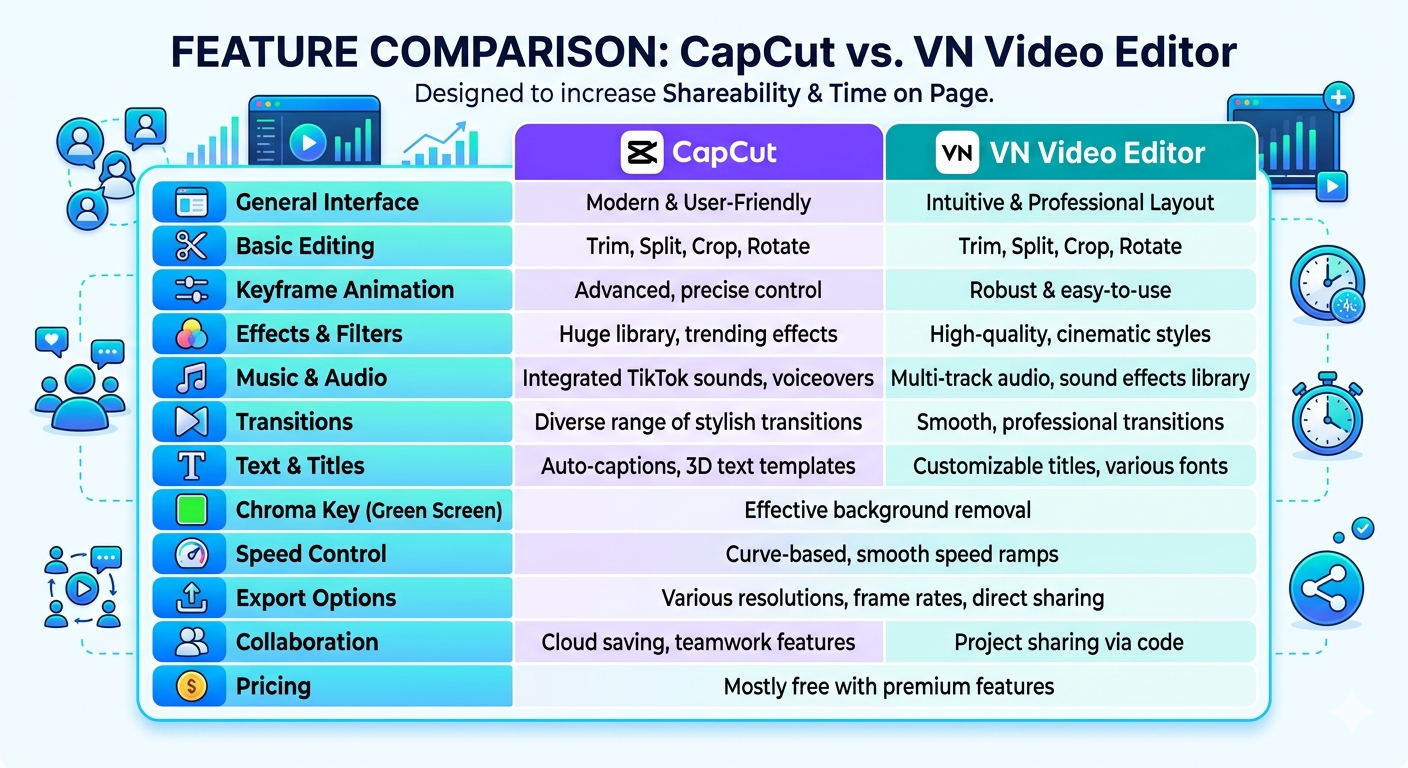
4. CapCut
CapCut is popular for short-form social media videos and offers accessible editing tools for beginners.
Best for: TikTok videos, Shorts, Reels, captions, and quick social content.
Why CapCut Lags Even When CPU Usage Is Low
Advantages:
- Beginner-friendly workflow.
- Tools designed for social media content.
- Text, transitions, and creative effects.
- Desktop and other platform options, depending on availability.
Limitations: Feature availability can vary by platform, region, and plan. Some features require payment, and demanding projects can still lag on older computers.
Official website: CapCut
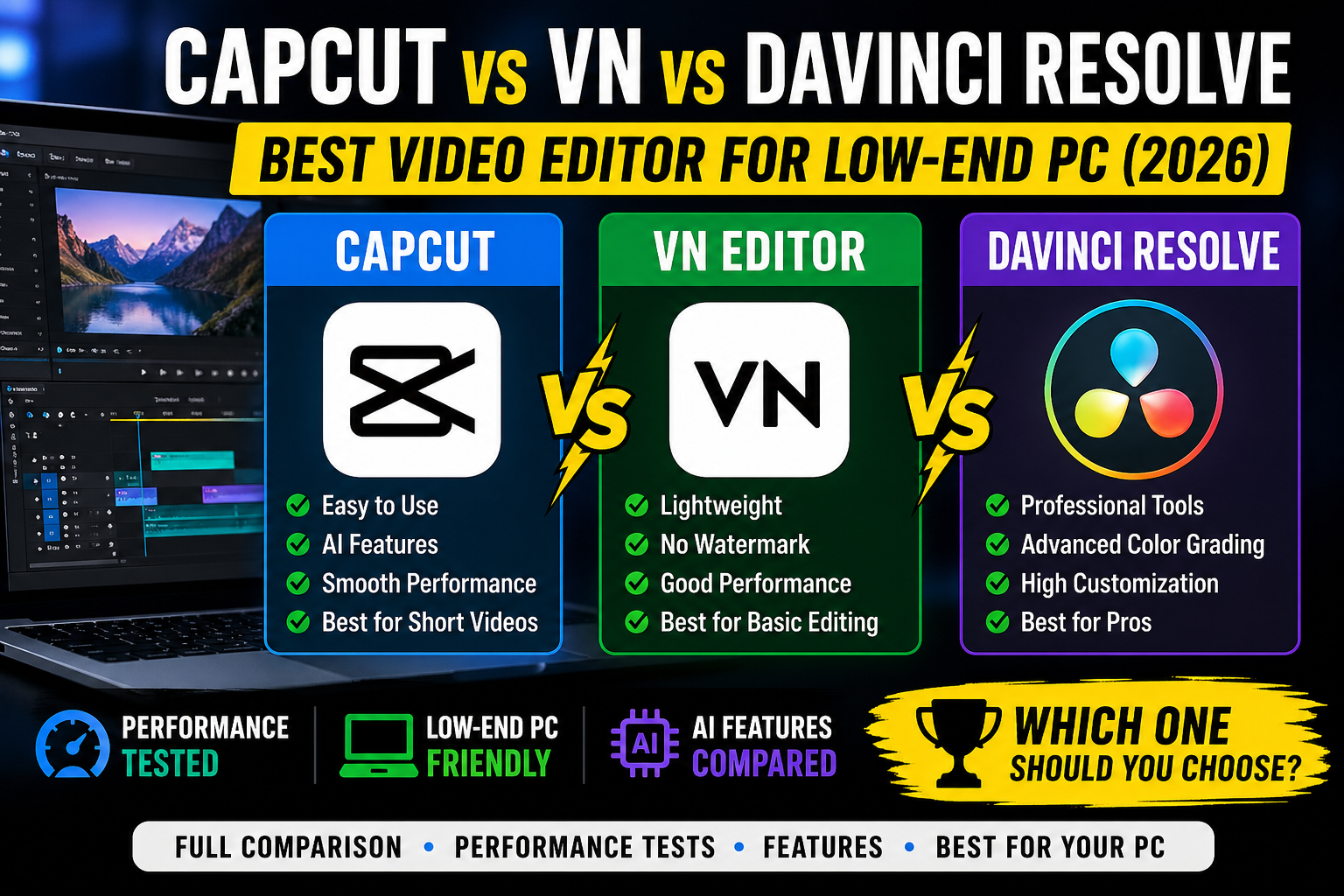
Quick Comparison
| Editor | Cost | Best use |
|---|---|---|
| Adobe Premiere Pro | Paid subscription after trial | Professional editing |
| DaVinci Resolve | Free version available | Advanced editing and color grading |
| Shotcut | Free | General-purpose editing |
| Kdenlive | Free | Multitrack editing |
| CapCut | Free and paid features | Short-form social videos |
These editors are not identical replacements for Premiere Pro. Compare their current features and requirements before choosing one.
Why Your Video Editor Keeps Crashing
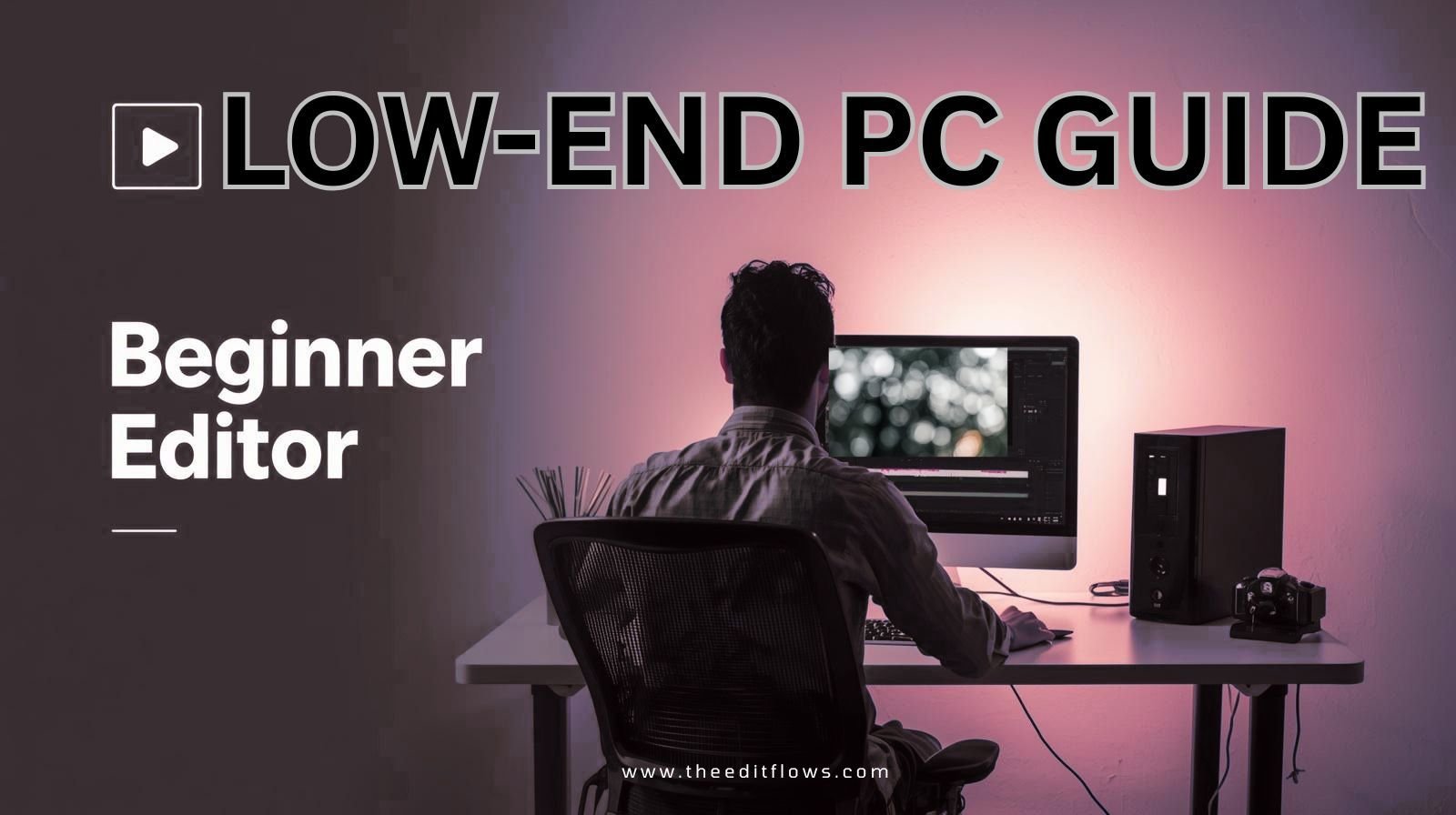
How to Make Video Editing Smoother on a Low-End PC
You do not always need a new computer to improve your editing workflow. Start by reducing the workload placed on your system.
1. Use Proxy Editing
Proxy editing creates lower-resolution copies of your original video files for smoother playback while editing.
For example, if you recorded footage in 4K, you may be able to edit using lower-resolution proxy files and export using the original media.
This can reduce playback demands, although it will not fix every performance problem.
2. Keep Enough Free Storage
Video editing creates temporary files, previews, caches, and project data. A nearly full system drive can make normal computer tasks harder.
Keep sufficient free space on your system drive and store large media files on a suitable secondary drive when practical.
3. Close Unnecessary Applications
Web browsers with many tabs, games, launchers, and background applications can consume memory and processing resources.
Close programs you do not need before starting a demanding editing session.
4. Edit at a Lower Preview Resolution
If your editor provides preview-quality settings, reduce the playback resolution while working. You can still export at your intended final resolution, depending on the editor and project settings.
Remember that lower preview quality does not improve the quality of the final export by itself.
5. Avoid Unnecessary Effects
Heavy effects, noise reduction, animated graphics, and multiple adjustment layers can increase processing demands.
Make a basic cut first, then add effects where they actually improve the video.
6. Use an SSD When Possible
An SSD can improve file access and make applications and projects load faster compared with a slower hard drive. It does not replace adequate RAM or processing power, but it can improve the overall workflow.
For more guidance, see our related article on HDD vs SSD for video editing.
Common Mistakes to Avoid When Downloading Video Editors
Many users focus only on finding a download link and ignore what happens after installation.
Avoid these mistakes:
- Downloading installers from unknown file-sharing websites.
- Turning off antivirus protection to run a suspicious installer.
- Assuming that “portable” means safe.
- Believing that a “lifetime activated” label guarantees a valid license.
- Installing software without checking system requirements.
- Ignoring trial-renewal terms.
- Starting a large project before testing playback and export performance.
If you have already installed a suspicious application, avoid entering passwords or payment information into it. Uninstall it, run a reputable security scan, and change potentially exposed passwords from a trusted device if you suspect compromise.
Which Video Editor Should You Choose?
The best editor is the one that fits your projects, budget, and computer.
Choose Premiere Pro if you need its professional workflow and can afford the subscription. Try DaVinci Resolve if you want advanced tools and your hardware meets its requirements. Choose Shotcut or Kdenlive if you want a free desktop editor. Consider CapCut if your main goal is creating short social media videos.
Do not choose software based only on the number of features. Test it with a short project containing the same type of footage you normally edit.
A simple workflow that works consistently is more valuable than an expensive application that your computer cannot run comfortably.
Frequently Asked Questions
Is Adobe Premiere Pro crack portable the full version?
A modified installer may claim to provide the full application, but that claim does not establish authenticity, safety, or a valid license. Use Adobe’s official download options.
Is there a free lifetime version of Premiere Pro?
Adobe offers a seven-day trial, not a permanently free desktop version of Premiere Pro. After the trial, an eligible paid subscription is required.
Can I install Premiere Pro without an internet connection?
Do not assume that a portable or offline installer can bypass Adobe’s activation requirements. Check Adobe’s current installation and licensing guidance for the version you intend to use.
Which free editor is best for a low-end PC?
There is no single winner for every computer. Shotcut and Kdenlive are worth testing, while CapCut may suit short social media projects. Actual performance depends on your processor, memory, graphics hardware, footage, and effects.
Is DaVinci Resolve better than Premiere Pro?
Neither is automatically better for every user. Both offer different workflows and features. Resolve is particularly well known for color grading, while Premiere Pro may be preferable for people who rely on Adobe’s editing workflow and integrations.
Can cracked video-editing software contain viruses?
Yes. Modified installers may contain malware or other unwanted components. Download software from its official developer or a trusted authorized source.
Does an SSD stop Premiere Pro from lagging?
An SSD can improve loading and media access, but it cannot eliminate every cause of lag. Insufficient RAM, unsupported hardware, heavy effects, and high-resolution footage may still cause performance problems.
Final Thoughts
Finding a video editor should not mean risking your computer or your work. An unofficial Adobe Premiere Pro crack may promise a free, permanent solution, but the promise does not guarantee a safe installer or a reliable editing experience.
Start with Adobe’s official trial if you want to evaluate Premiere Pro. If a subscription does not fit your budget, test free alternatives such as Shotcut, Kdenlive, or DaVinci Resolve, choosing according to your hardware and editing needs.
The goal is not simply to install a video editor. It is to find a reliable tool that helps you create better videos without wasting time troubleshooting avoidable problems.
Recommended next step: Test your preferred editor with a short project before committing to a long video. Check playback, audio, export quality, and stability before building your full workflow around it.


Leave a Reply