
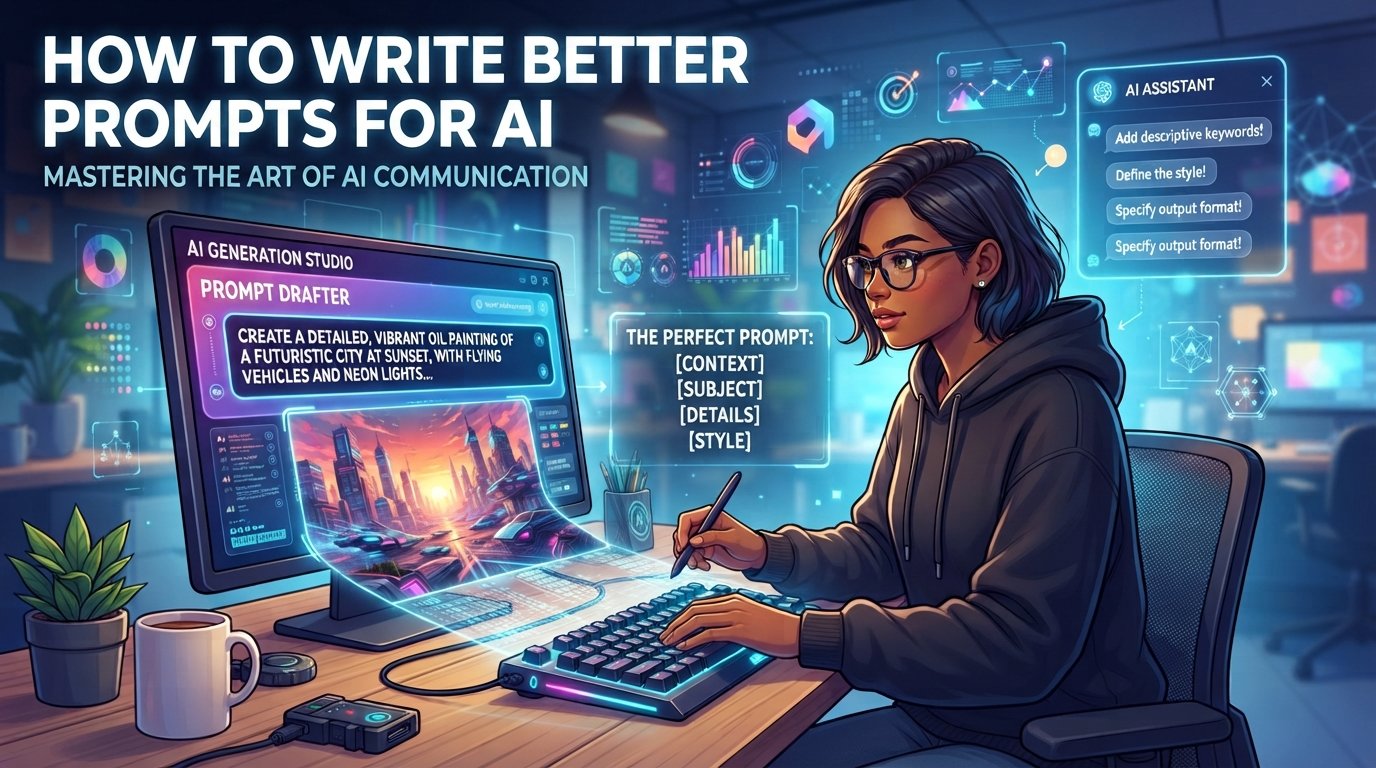
How to write better prompts is the main skill you need to get good results from chatbots. Most people type a few random words and wonder why the computer gives bad answers.
The short answer is that you need to act like you are giving instructions to a new coworker. Tell the tool who it is, what you want, and how the final output should look.
Give the AI a Role
Tools work much better when you tell them who to pretend to be. If you ask for tax advice, the bot gives you a boring textbook answer. If you tell the bot to act like a friendly accountant who talks to small business owners, you get clear steps you can actually use.
Try starting your sentences with phrases like act like a personal trainer or pretend you are a strict copy editor. This changes the tone of the response right away. When you give the system a job, it pulls from a specific part of its data instead of guessing.
Last week, I asked a bot to write an email to my boss. The first try sounded like a robot wrote it. Then I added a simple line at the start. I told it to act like a calm manager writing to a team member. The new draft was ready to send in five seconds.
How to Write Clear Rules
Do you ever get back an essay that is way too long? That happens because you did not set limits. You must tell the bot how many words you want, or what format to use.
Think about prompt engineering as a way to set guardrails. If you need a list, tell the tool to make five bullet points. If you need a short reply, tell it to keep the answer under fifty words. Clear limits stop the computer from rambling about things you do not care about.
You can also tell the bot what to leave out. If you hate corporate jargon, just add a rule that says do not use business buzzwords. This saves you from editing out junk later.
Give the Tool an Example
Showing is always better than telling. If you want a tool to write social media posts in your voice, paste two of your best posts into the chat. Then tell it to write a new post that sounds just like those.
This trick works for almost any task. Do you need to format data? Show the bot one bad row and one good row. It will figure out the pattern and fix the rest of the file for you. You can read more about Using AI to plan your week and get your time back to see how examples make daily tasks easier.
I tried this with product descriptions last month. I pasted an old description that sold well, and the bot matched the style on the first try. Without that example, the output was too dull.
Ask Follow-Up Questions
Your first prompt rarely gives you a masterpiece. Treat the chat like a real conversation instead of a search engine. If the tone is too formal, tell the bot to make it warmer.
You can also ask the system to check its own work. Type something like look at your last answer and find three ways to make it simpler. This often catches mistakes and makes the final output much stronger.
Learning how to write better prompts takes a little bit of practice. Try changing just one part of your instructions today and see what happens.
Break Big Tasks Into Small Steps
People often try to make the computer do everything in one single sentence. They ask the bot to write a whole book chapter, design a cover, and check the spelling all at once. That is too much for any tool to handle well.
You will get much better results if you break your project down into smaller pieces. Ask the bot to outline your ideas first. Once you like the outline, ask it to write just the first section. Moving step by step lets you fix mistakes early before the bot builds a whole messy page.
Keep the Context Alive
Chat bots have a short memory for what you talked about yesterday, but they remember everything you said in your current chat window. Use this to your advantage by building on your past messages.
If you already explained your company goals in the first message, you do not need to type them out again. Just refer back to them. You can say something like use the goals we talked about above to write a new newsletter.
Here are a few quick ways to keep your chat focused:
- Start a fresh chat window every time you switch to a totally new project.
- Remind the bot of your target audience if the conversation goes on for a long time.
- Ask the tool to summarize what you have agreed on so far before moving to the next part.
Avoid Common Mistakes
Many users give up on chat bots too fast because they make a few simple errors. The biggest mistake is using words that are too vague. Telling a tool to make it good or make it pop does not give the computer any real data to use.
Another error is forgetting to check the facts. AI tools can sound very smart and confident even when they make things up. Always read through the final text to make sure dates, names, and numbers are correct before you share your work with the world.
Practice Every Single Day
Getting good at talking to AI is just like learning to play a musical instrument or riding a bike. You will not master it on your very first try. It takes a little bit of time to figure out what works best for your specific needs.
Try to use a prompt trick every time you open a chat window today. Keep track of which tricks give you the answers you actually want and drop the ones that waste your time. Soon, writing great instructions will feel like second nature, and you will save hours of work every week.





Leave a Reply